
Understand
Build the idea behind the answer.
Read syllabus-led explanations, worked examples and diagrams at your course level. Highlight what matters and come back to it.
Understand the idea. Put it into practice. Follow a plan that helps you stay accountable, with teachers able to support the next step.
Choose your Edexcel specification and level. Keep the explanation, exam guidance and original practice connected in one study space.
Build the idea behind the answer.
Read syllabus-led explanations, worked examples and diagrams at your course level. Highlight what matters and come back to it.
Know what needs another look.
Connect exam guidance with the learning checklist. Identify gaps, notice common mistakes and compare your confidence with practice results.
Put understanding to work.
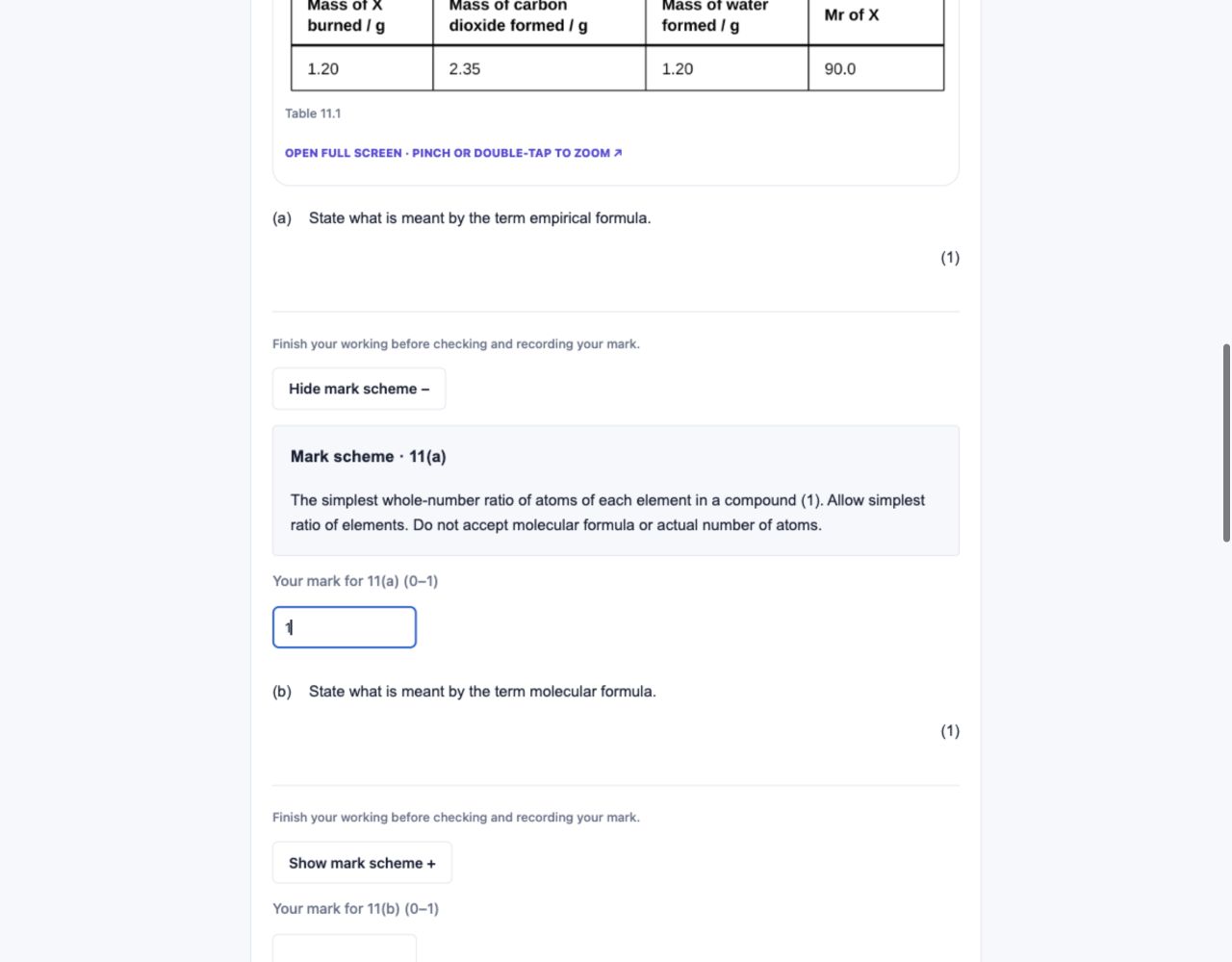
Try original Edexcel-style practice, check explanations or a mark scheme, then choose what to revise next. Section A quizzes are available in selected IAL units.
Read clearly labelled sections, zoom into diagrams and follow worked examples. Four-colour highlights and your personal notebook help you revisit key ideas, definitions, exam tips and sticking points.
Home takes you back to your recent note and section.
Try highlighting in a free note →Use the learning checklist to rate what you can do: Red, Amber or Green. Leave an item Unrated until you have checked it.
Compare your ratings with quiz scores and self-marked practice. Follow “Revise this” back to the relevant notes; a quiz never overwrites your own rating.
These are original Edexcel-style resources, not official past papers. Structured answers are self-marked. Availability depends on the syllabus and unit.
Turn your chosen subjects and units into a manageable routine, with clear tasks and a weekly moment to check your progress.
Choose a short revision period or plan towards your selected exam sittings. Each IAL exam unit can have its own series. Review the workload before you save.
Today’s revision · Biology 4BI1
Tick off work when you finish. Return to anything you missed.
Your plan includes specific note sections, practice and spaced recaps. Existing Red and Amber ratings help prioritise work when the timetable is created.
Open a task from Home or your timetable. Tick it off when finished, use Catch up for unfinished work and leave room for recovery on buffer days.
Look at completion alongside confidence and practice results. Reassess each week and rebuild your plan when your priorities or workload change.
Completion is self-reported. Your plan helps you follow through; opening a note does not prove learning. Later ratings do not automatically rearrange a saved timetable. Confirm individual exam dates with your school.
Subscribe to your private study calendar in Google Calendar, Apple Calendar or Outlook. Set your study alert time and follow links back to the tasks.
Subscription refresh depends on your calendar app. A downloaded calendar file is a one-off copy. Keep your subscription link private.
Receive a weekly review reminder with completed sessions, unfinished work, links to catch up and upcoming topics.
Return to your checklist, reflect on what worked and choose what to revisit. Switch emails off or unsubscribe whenever you want.
Save the ideas you want to remember. Revisit your highlighted passages and jump back to their original context.
Make worksheets, knowledge organisers, flashcards and original Edexcel-style practice for the topic you need to work on.
Generation uses tokens. Review generated content and check anything questionable with your notes or teacher.
Return to completed resources in Library. Print your learning checklist or download supported practice papers with an eligible plan.
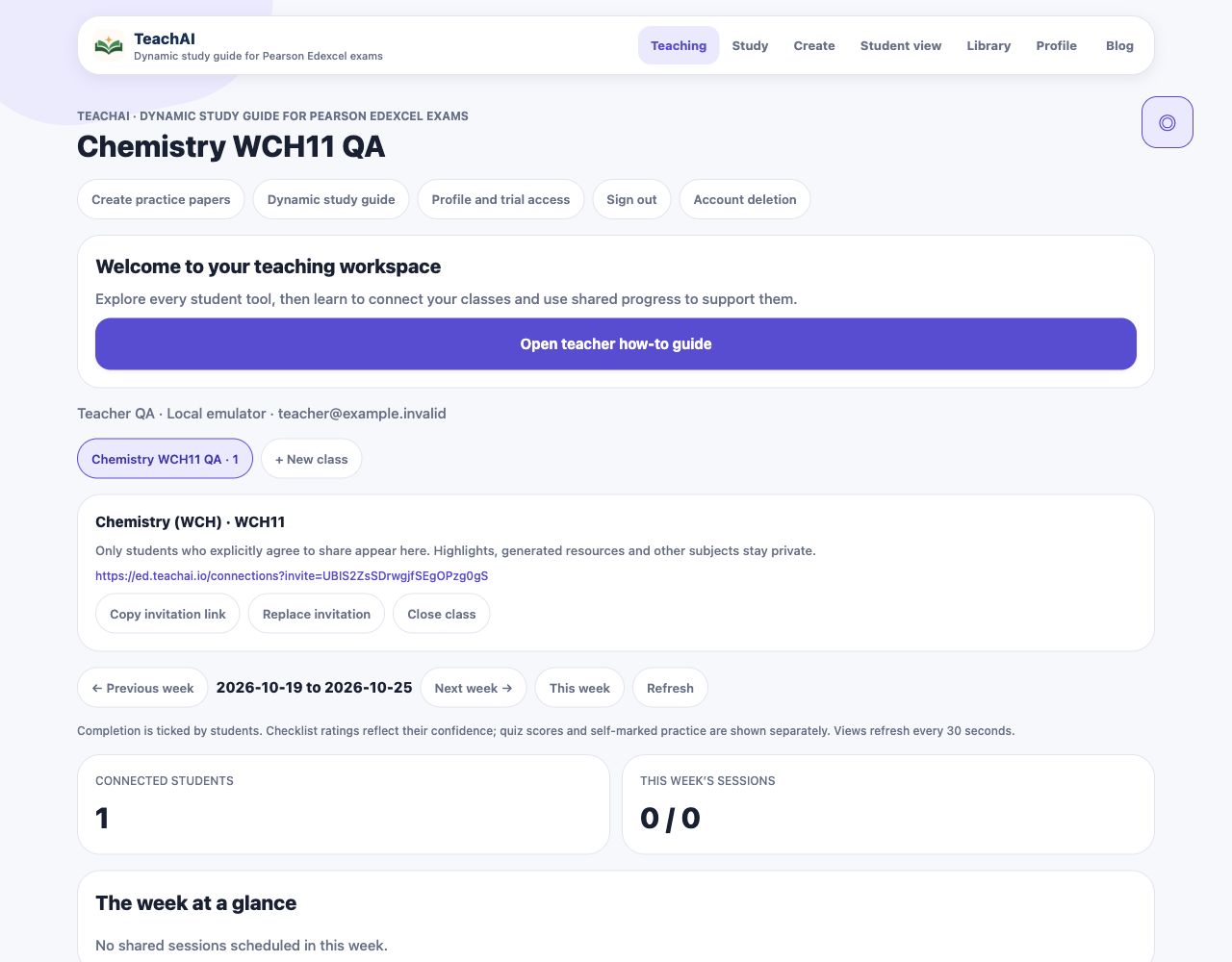
Help students build an independent routine, then use their shared progress to decide where a conversation, explanation or fresh practice will help.
Create a specification or IAL exam-unit class and invite students. They check the invitation and choose whether to share their matching course progress.
Review scheduled and completed sessions in weekly check-ins. Help a student who is falling behind choose a realistic next step in their own plan.
“Reteach first” surfaces units where more connected students report Red items. Compare confidence coverage, recent ratings, quiz scores and self-marked results.
Use Study and Student view to model reading, recall, practice and honest self-assessment. Create teaching resources and keep completed work in Library, within your plan and token allowance.
A confident student with a low quiz score may need a fresh explanation. A Red rating with strong practice may start a conversation about confidence. Unrated means there is no rating yet.
Read the teacher setup guide →Teachers see consented progress for the connected course. Private highlights, written answers, generated resources and other subjects stay private. Students can disconnect.
A class invitation and a centre access code serve different purposes. Joining a class does not automatically unlock paid resources.
Explore without an account. Sign up to continue the free unit and use its study tools. Paid plans open the remaining units and downloads.